Every moment with your pet,is worthkeeping safe.
Nuapaw is a living pet journal — AI makes avatars, wallpapers and bead art for you, while the diary, anniversaries and sticker journal keep your everyday moments. Phone, watch and computer: your fur kid is waiting on every screen.

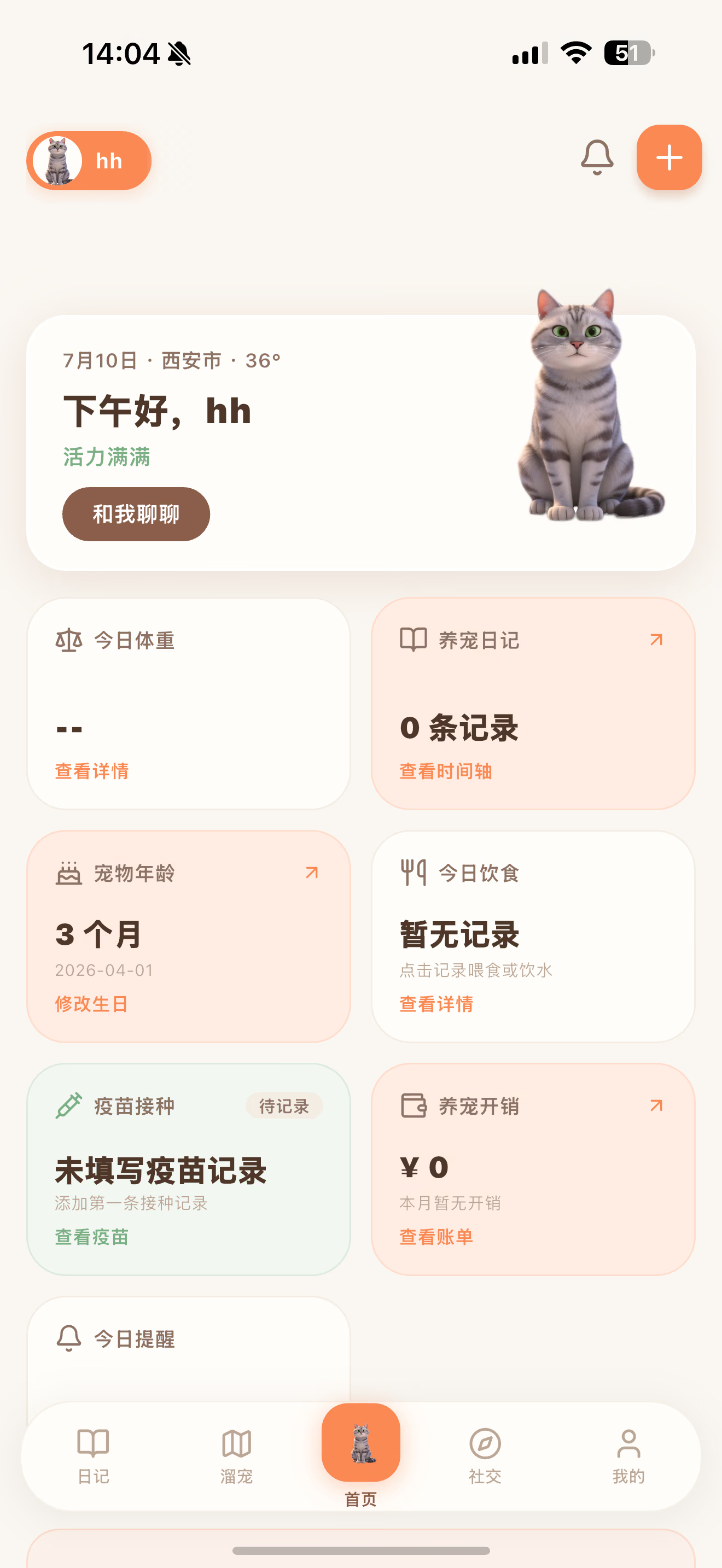
One app forevery pet chore
From the food bowl and litter box to the big days worth remembering — Nuapaw keeps track of all of it, and makes it fun along the way.
AI Image Studio
Upload one photo and get multi-style avatars, phone and desktop wallpapers, and bead assets in one click — submit your favorites to the AI square and browse endless creations.
Bead Patterns
Turn your pet’s photo into a ready-to-bead pattern: multi-brand palette mapping, online color-code editing and an auto-calculated materials list. Crafting on your phone has never been this easy.
Sticker Journal
Smart background removal turns photos into die-cut stickers for your journal — on iOS they sync to iMessage so you can send them right away.
Diary · Album
Timeline and gallery views with AI auto-tagging; drinking water, walks and meals log themselves.
Anniversaries
Gotcha day, birthdays, adoption day — time together at a glance, with always-on desktop widget reminders.
Desktop Pet
An AI-animated sprite clinging to your screen edge, in charge of the pomodoro timer, break reminders and today’s to-dos.
Apple Watch Companion
Details at a glance with watch face complications; members can log feeding and water, and pause/resume walks from the wrist.
Four Home Screen Widgets
Weather pet, anniversary, today’s reminders, custom pet — backgrounds, avatars and fields mix and match freely.
Walk Tracking
Live GPS routes and past trail replays, with iOS Dynamic Island / Lock Screen Live Activities and real-time Android lock screen notifications.
Health & Reminders
Full vaccination and deworming schedules with one-tap common vaccines; feeding, meds and check-ups grouped by urgency — and it chases you when overdue.
Pet Chat
Chat with an AI that knows your pet — streaming replies, saved locally.
Expense Tracking
Every expense categorized, with monthly charts at a glance.
Family Sharing · Pet Square
Invite family with a QR code and set read/write permissions; post and interact in the pet square.
Every one of themdeserves the record
They don't know what an anniversary is — but they sure know the sound of you coming home.
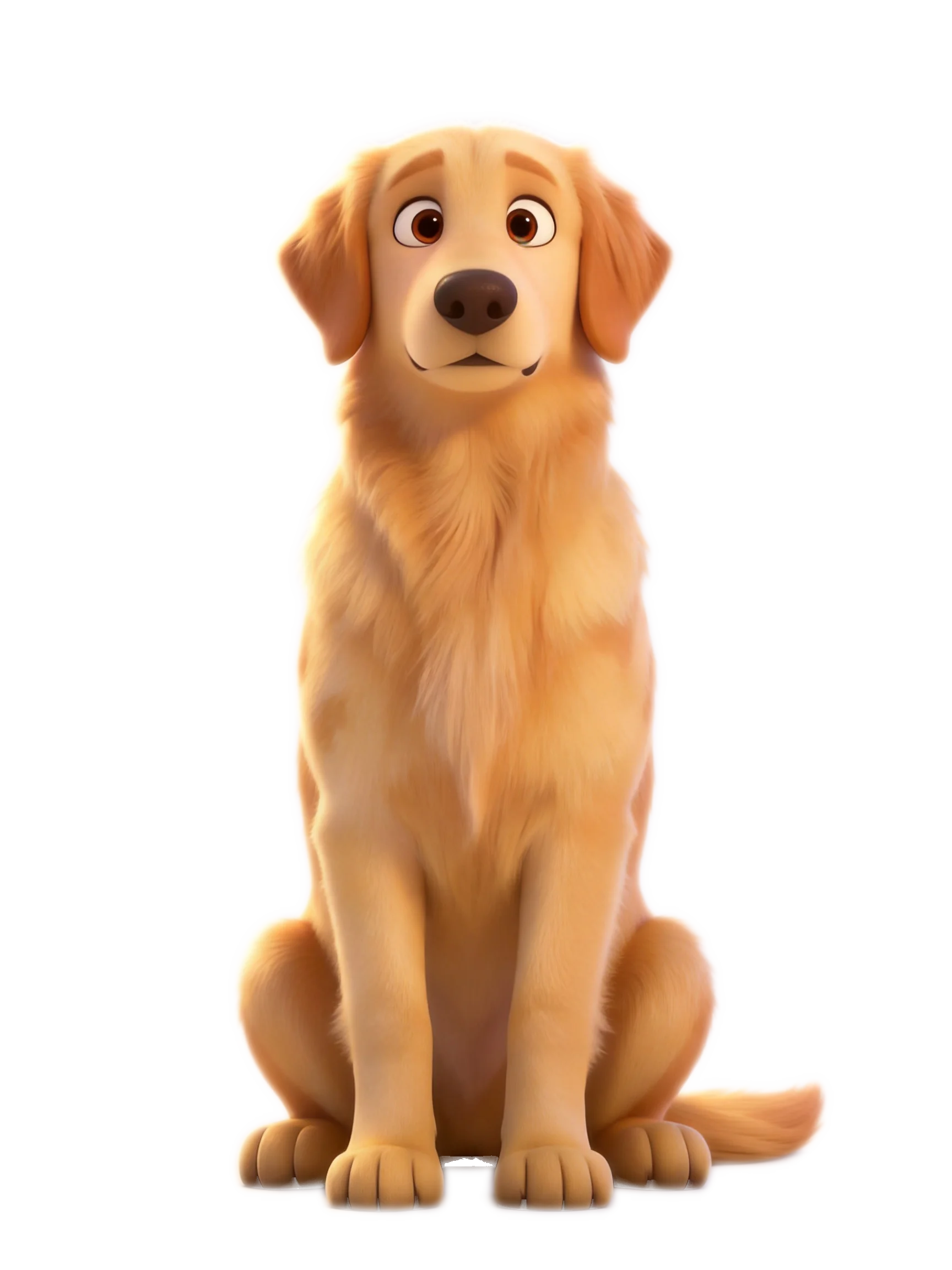
Golden Retriever
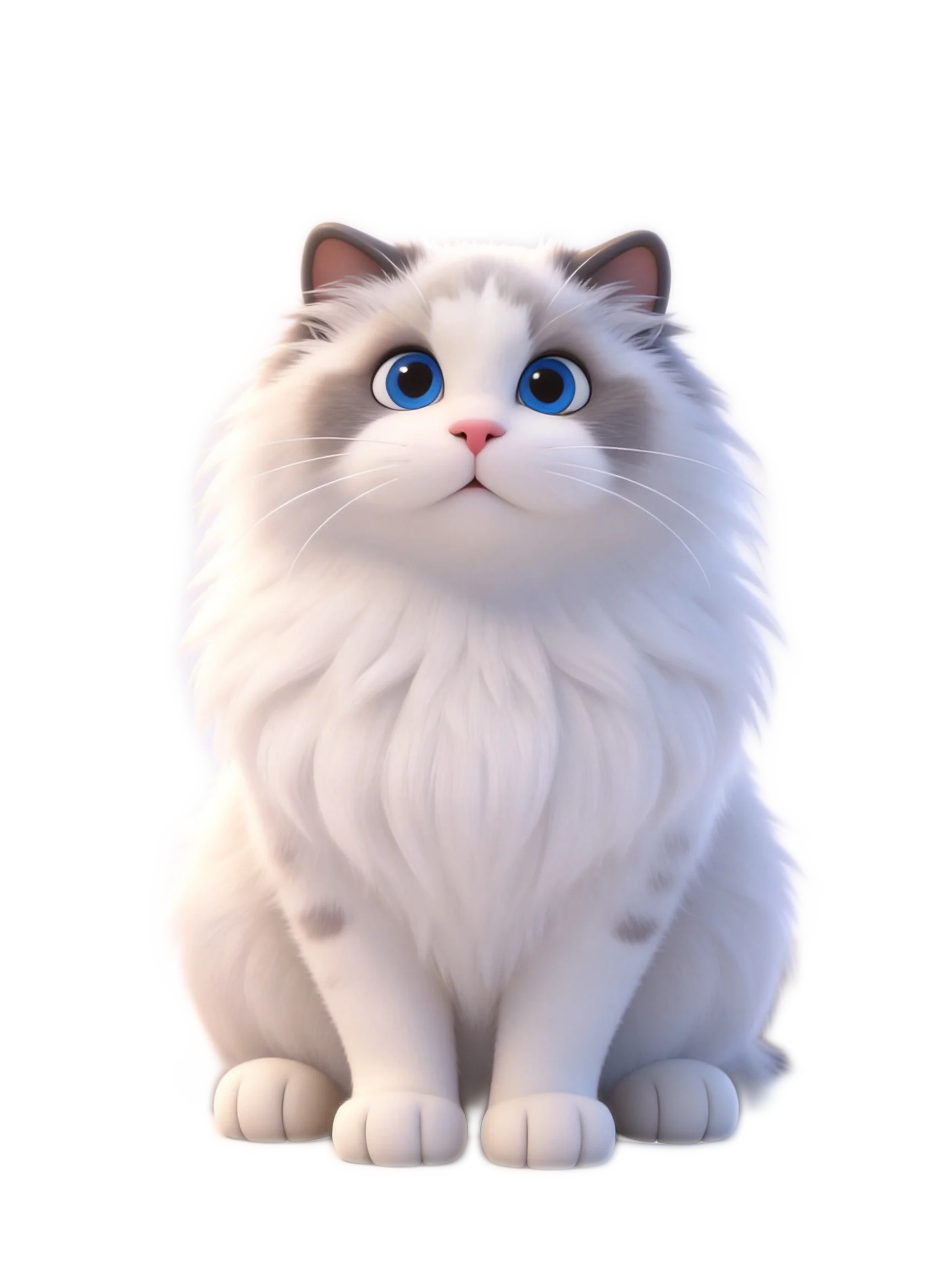
White longhair cat
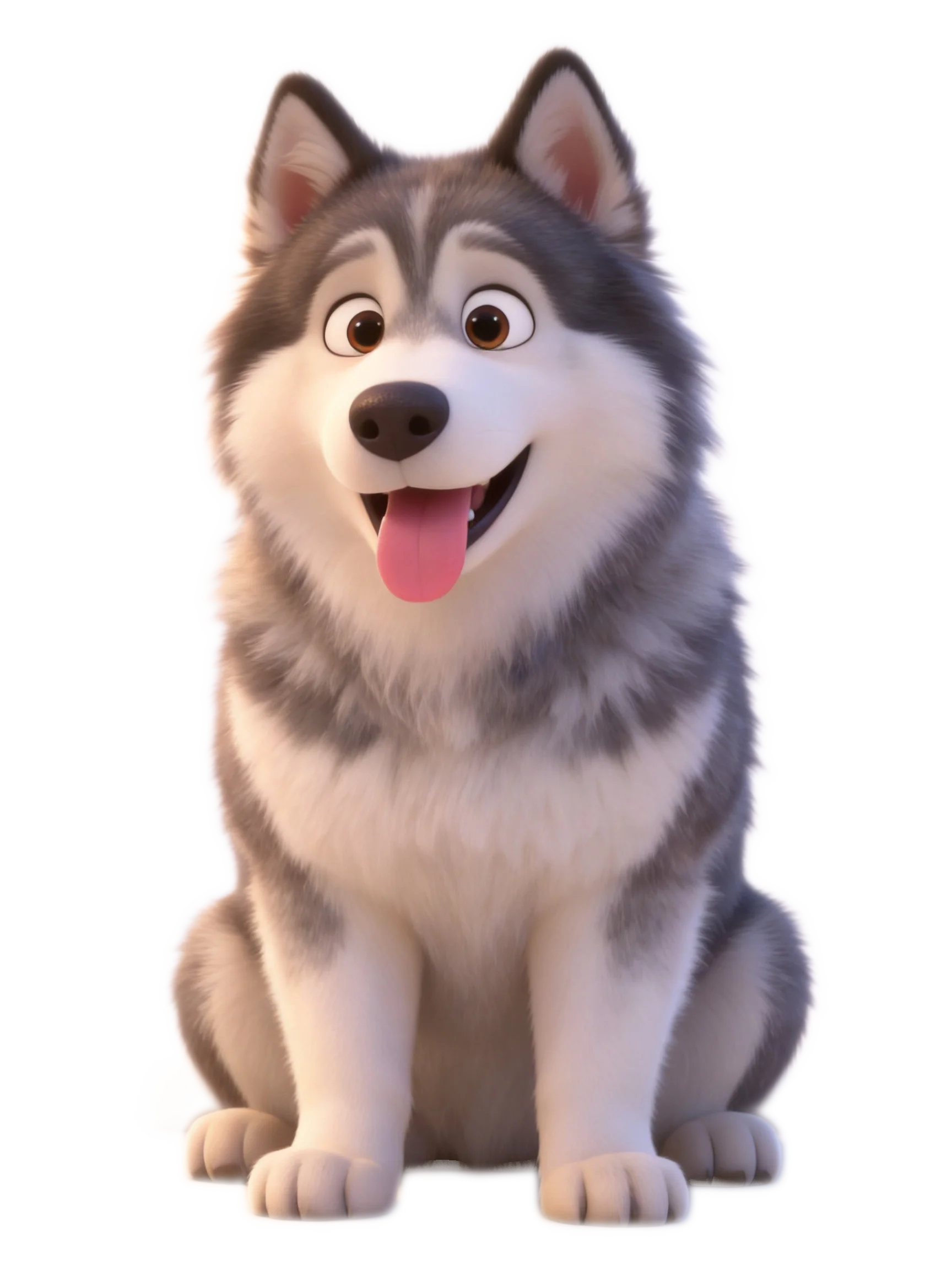
Alaskan Malamute
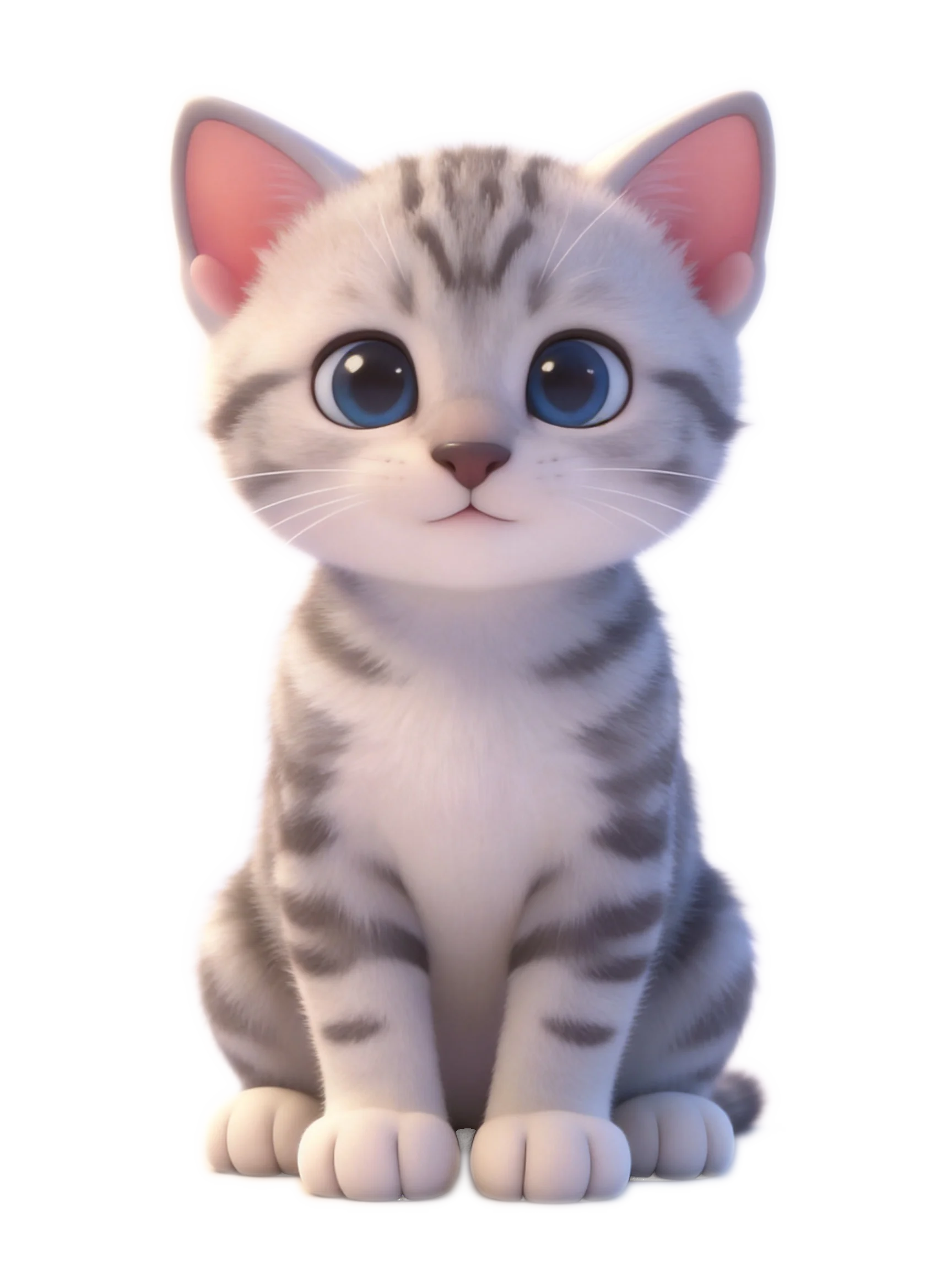
Grey-white tabby kitten
Golden Retriever
White longhair cat
Alaskan Malamute
Grey-white tabby kitten
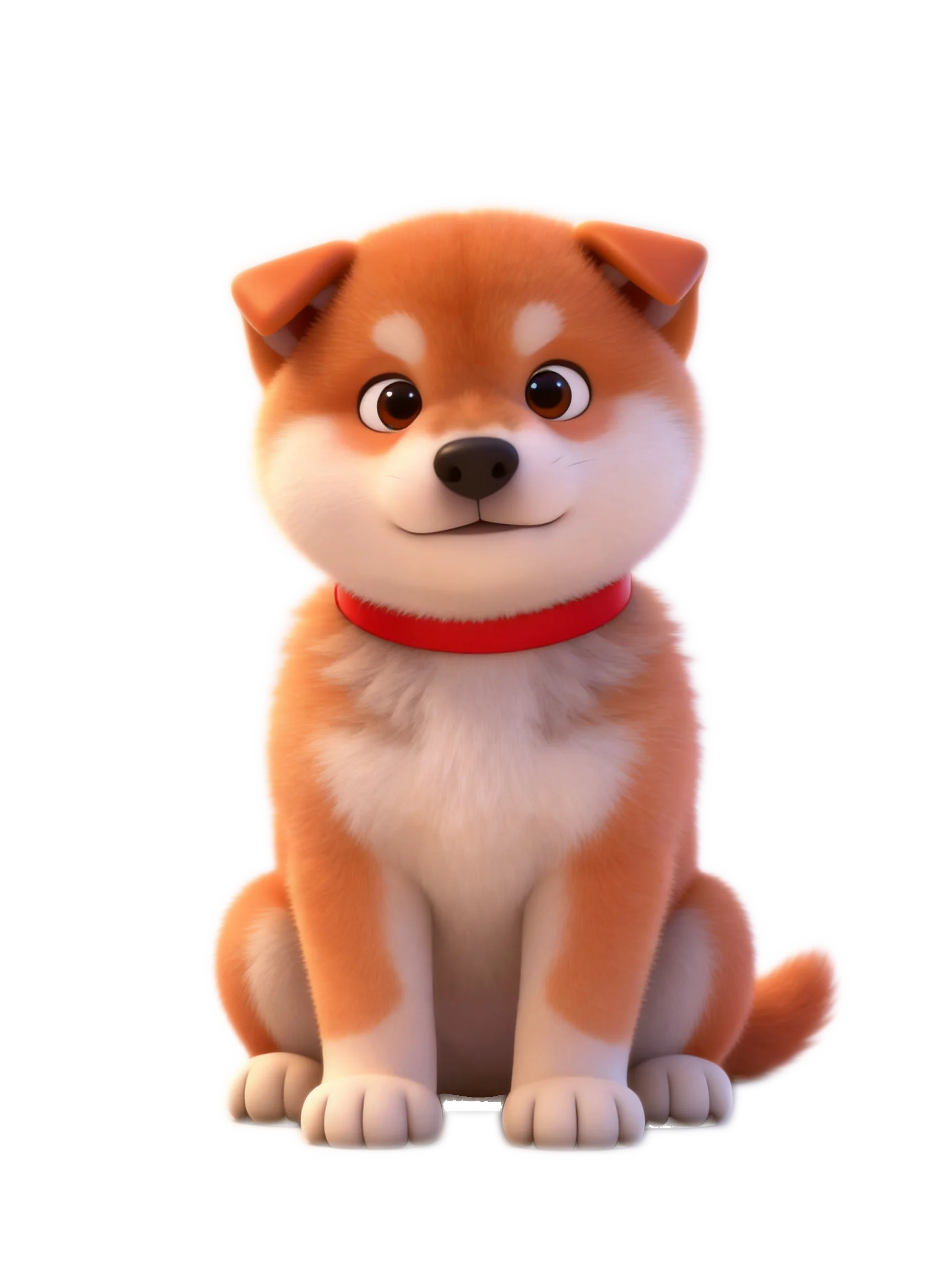
Orange-white Shiba Inu
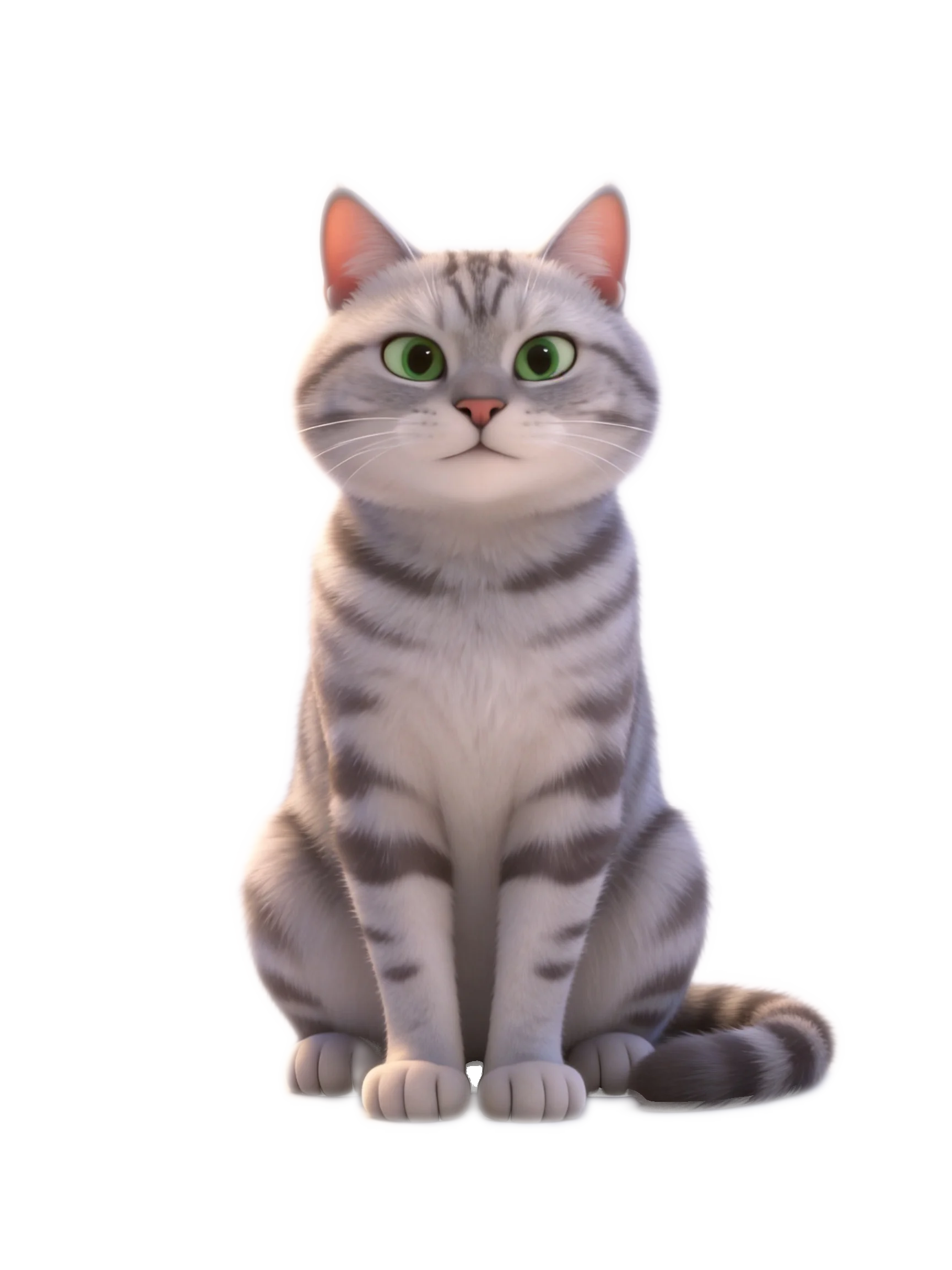
Grey-white tabby cat
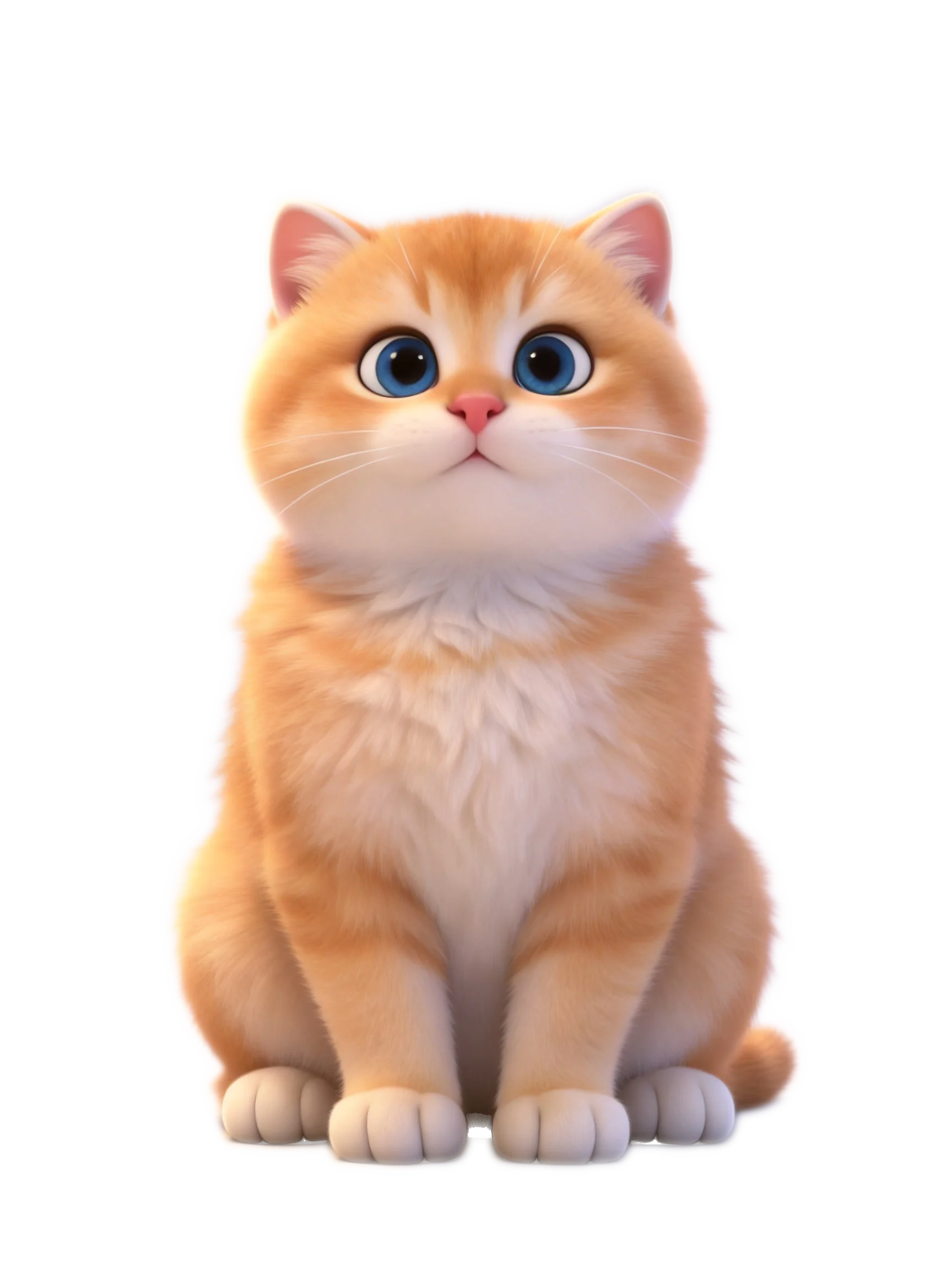
Orange-white kitten

Cute puppy
Orange-white Shiba Inu
Grey-white tabby cat
Orange-white kitten
Cute puppy
Open the journalanytime
Hover or tap a thumbnail to preview each screen — the big view stays clean and unobstructed.
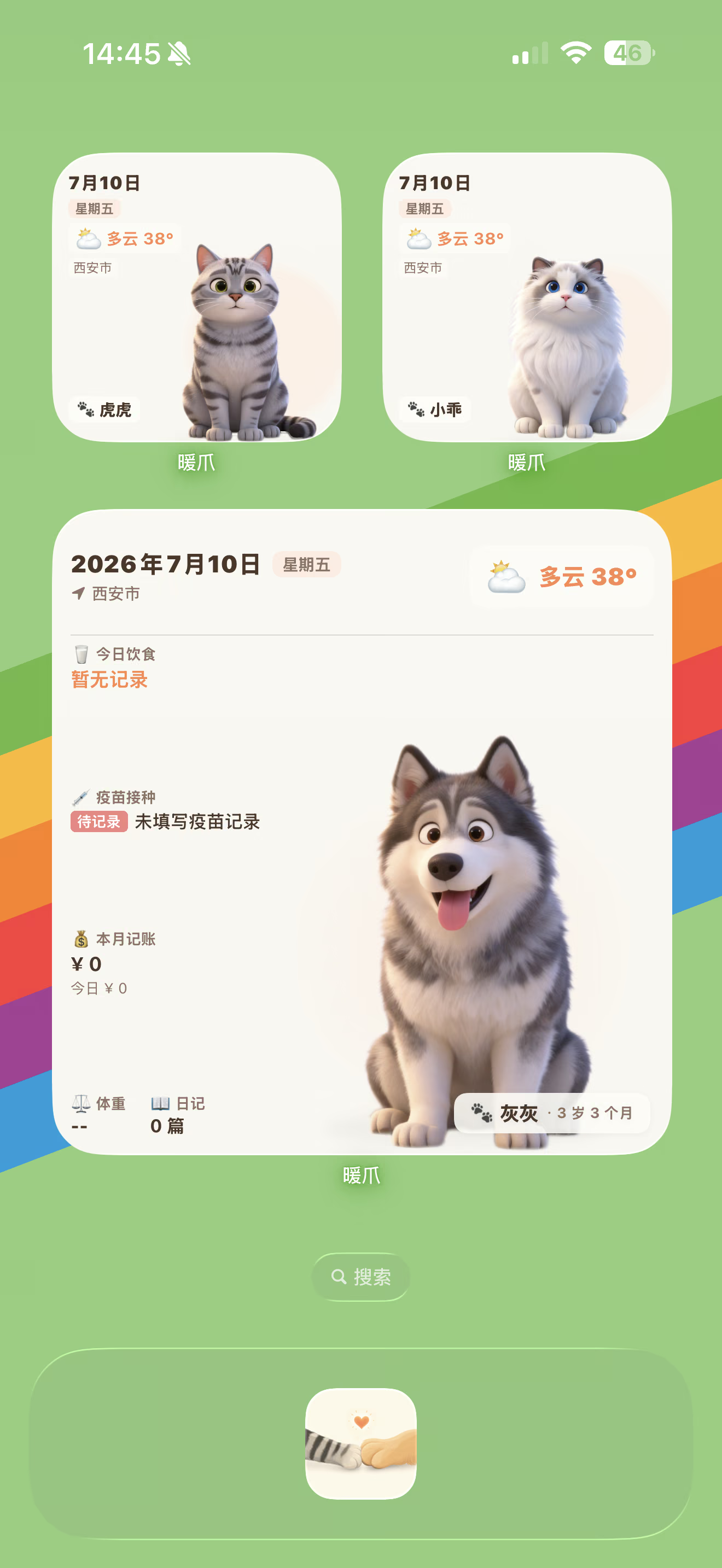
At a glance, without opening the app
Weather pet, anniversary, today’s reminders and custom pet — mix backgrounds, avatars and fields freely and check on your fur kid without opening the app.
- 🐾Four widgets: weather pet, anniversary, today, custom pet
- 🐾Backgrounds and fields fully customizable
- 🐾Name, diet, vaccines, deworming and weather in any mix
- 🐾Dark mode syncs with your theme
Take the desktop pethome for a trial
On Windows and macOS it clings to the edge of your screen with AI sprite animations — pomodoro timer, break reminders and today's to-dos are all its job.
This is the real 1:1 desktop experience — once installed, it lives in the corner of your screen
Turn your pet's photointo a bead pattern
No sign-in needed — upload a photo and get a bead pattern instantly; everything runs locally in your browser.
Bead patterns,generated in one click
Upload a pet photo, map it to MARD / Perler and other brand palettes, fine-tune every bead color online, then export a JPG / PNG pattern and start beading — the same tool is built into the app too.
No sign-in · Pattern export is free
The next pageswe are writing
Features and improvements we are polishing right now — progress gets posted here.

Take this journalback home
Free, and it covers every screen you own.
The Apple Watch app installs together with the iOS version · Windows 11 users should turn off Smart App Control before downloading, otherwise the installer may be blocked — see the Windows download page
Did you eat well today, too?